Dashboard Walkthrough
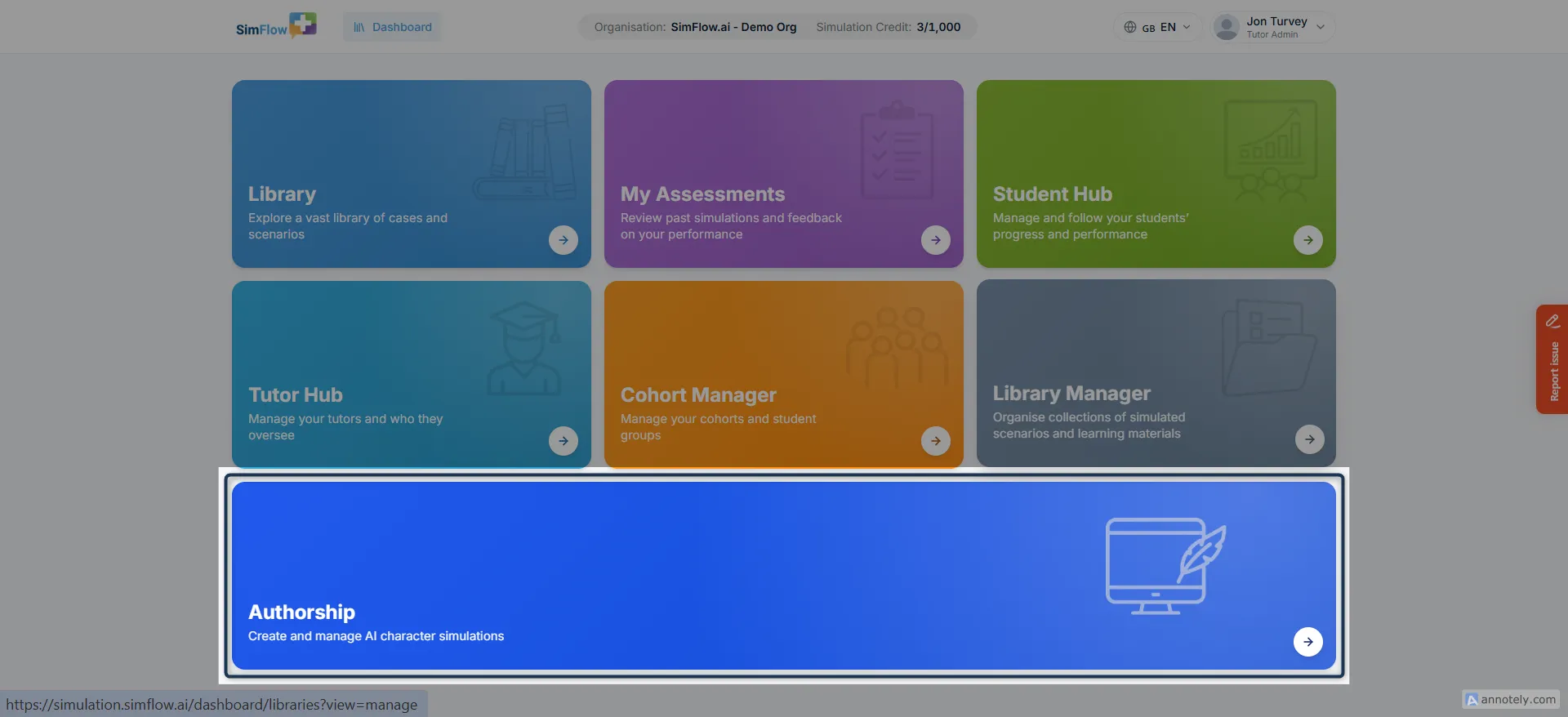
The Dashboard is your main starting point in SimFlow. It brings together the areas you need to access simulations, review assessments, manage learners, organise cohorts and libraries, and work with simulation content.
The options shown on your Dashboard depend on your role and permissions. This guide walks through the main areas available to Tutor Admins and Tutors, starting with the top navigation and then moving through the Dashboard tiles.
Let’s get started 🚀
Organisation
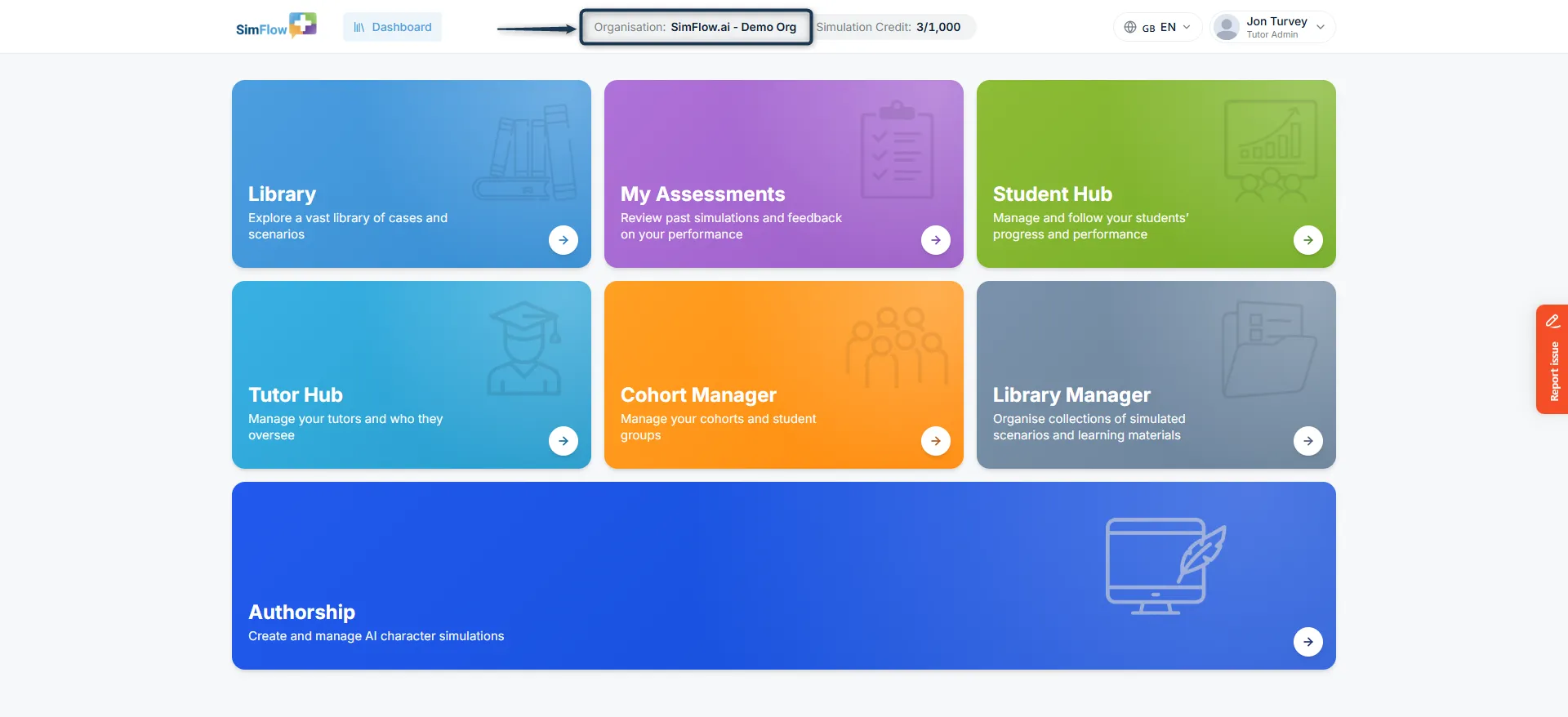
The Organisation at the top shows the organisation you are currently working in. Use it to confirm that you are working in the correct organisation when accessing or managing organisation-level content.
Simulation Credits
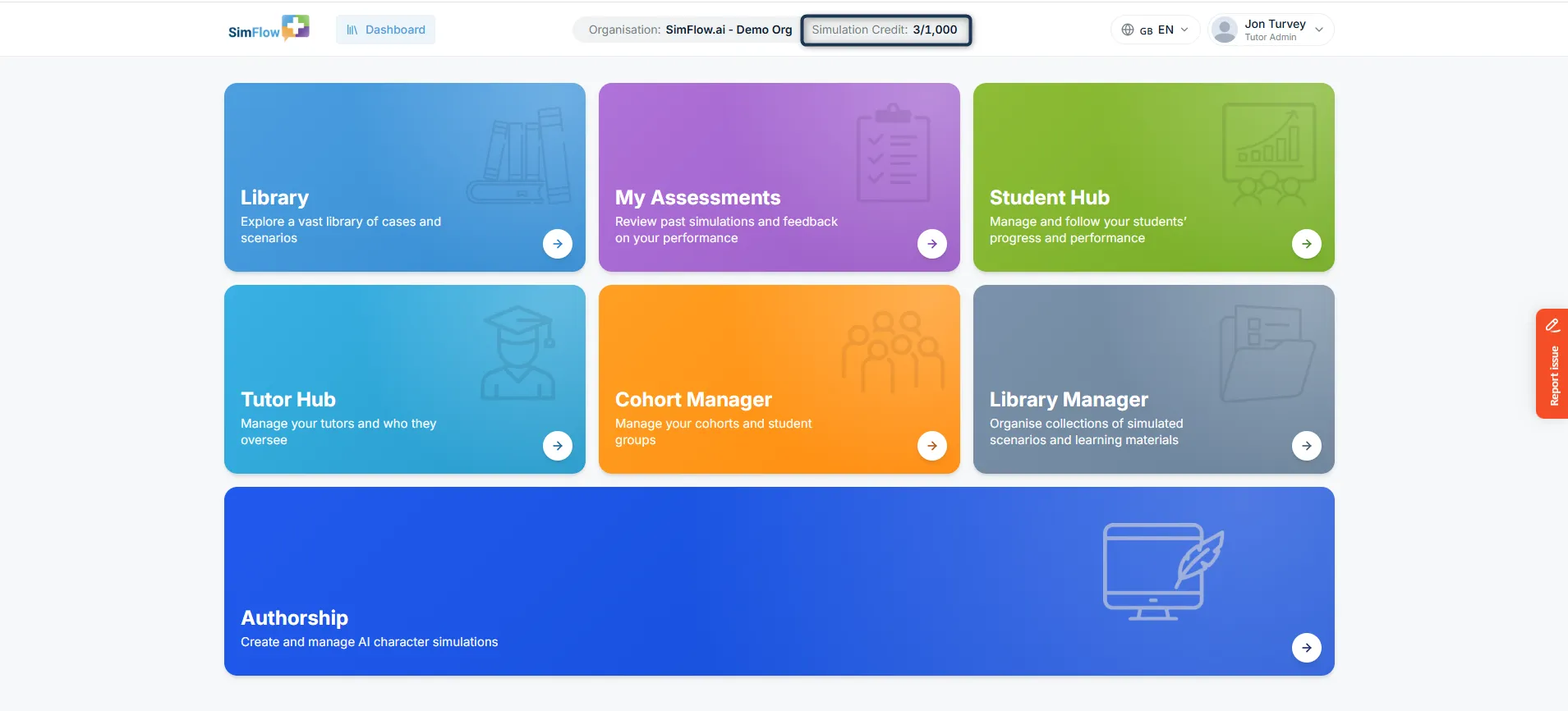
Simulation Credits shows the number of simulation credits available to your organisation. Use it to keep track of the credits available for starting simulations.
Learn more: Simulation CreditsSimulation Credits
Language
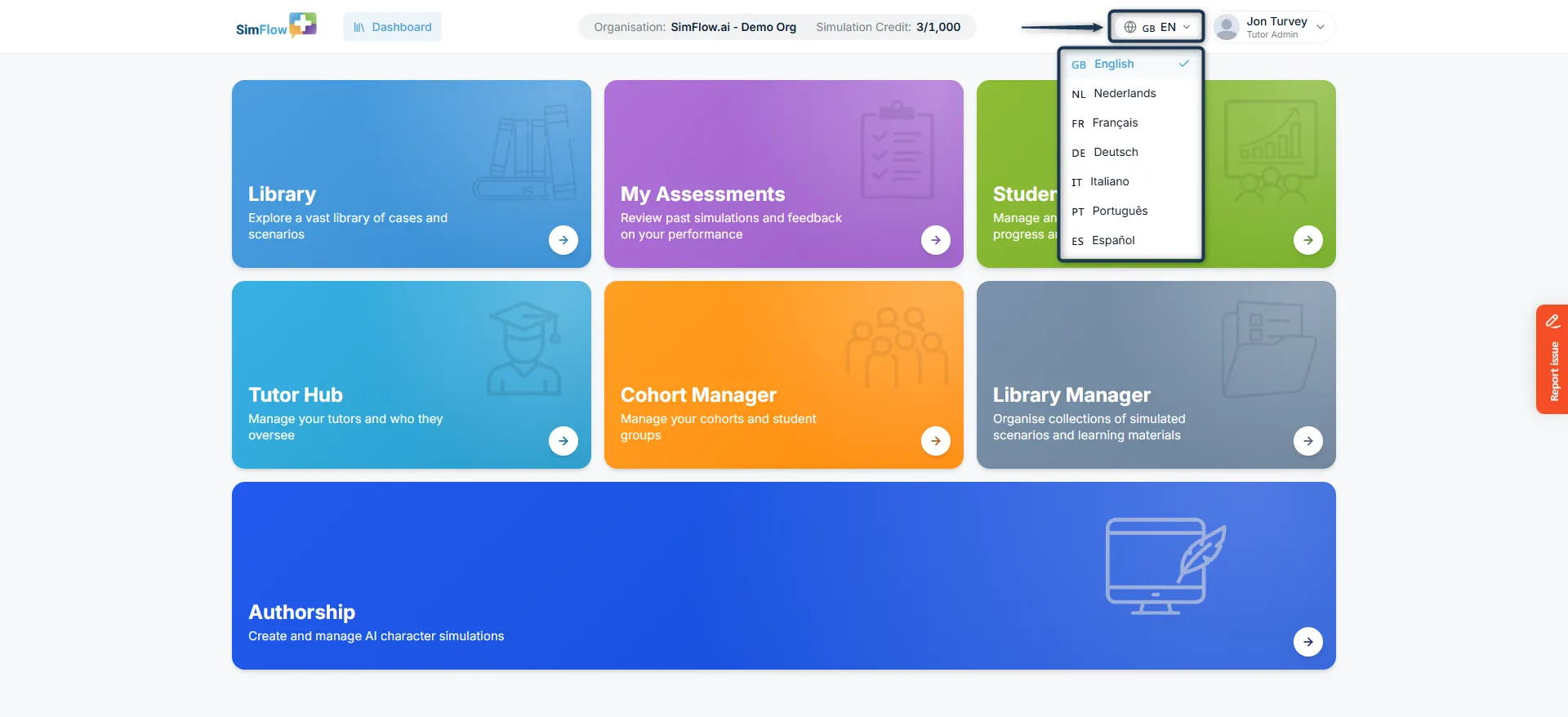
Choose your preferred Language from the menu. This setting determines the language used for the SimFlow interface and navigation, allowing you to use the platform in your preferred language. If you do not select a language, SimFlow uses the default language. The character’s voice is configured separately for each simulation based on the voice selected for that scenario.
Info: Available languages include English (GB), Nederlands (NL), Français (FR), Deutsch (DE), Italiano (IT), Português (PT), and Español (ES)
Profile
The Profile menu shows the account you’re currently signed in with and your role, such as Tutor Admin or Tutor. Select the profile menu to view your account, open Settings, or log out. Selecting Settings opens the Account Settings page, where you can manage your Profile, Account, and Credits from one place.
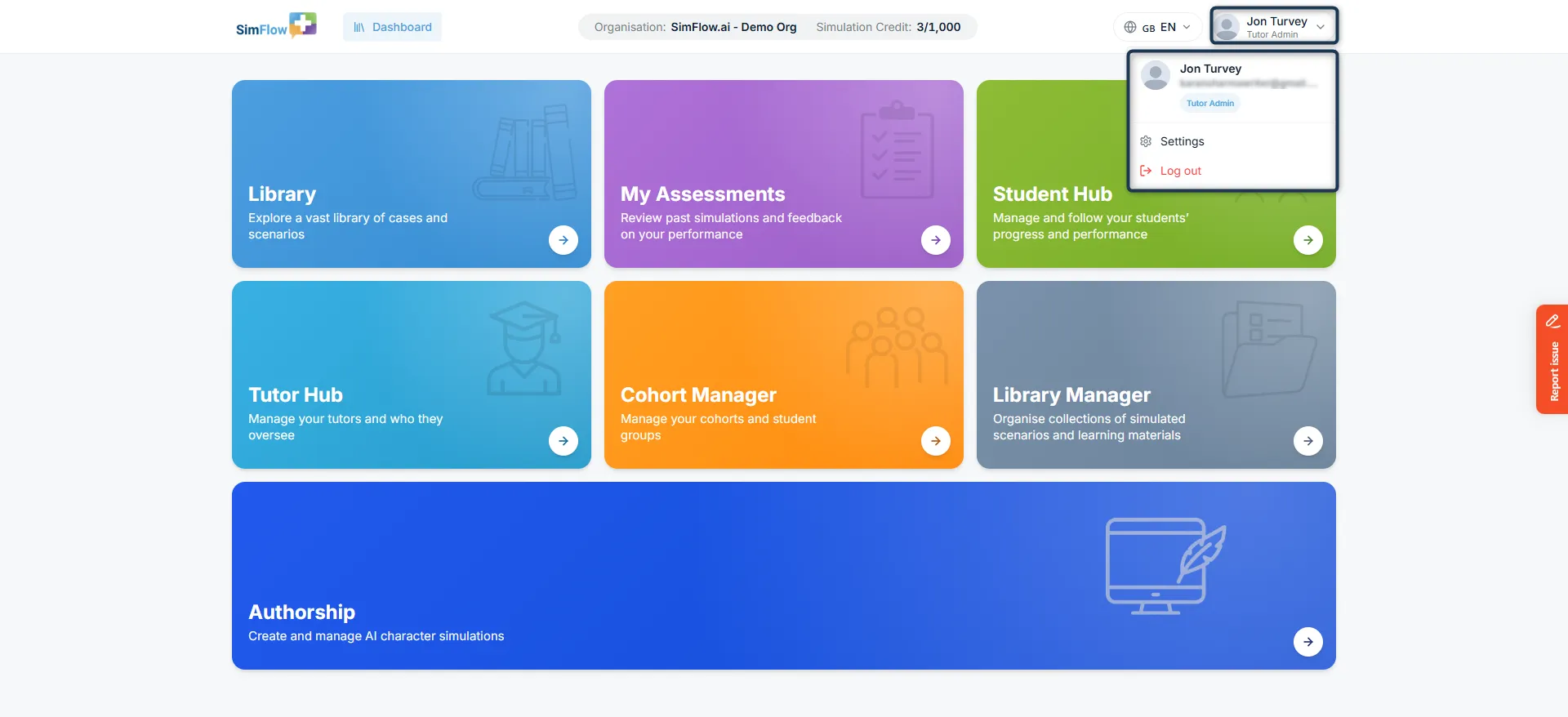
Dashboard tiles
The main Dashboard is organised into tiles. Each tile takes you to a specific area of SimFlow. The tiles available to you may vary depending on your role and permissions.
📚 Library
Looking for a case or scenario to practise? The Library brings all available simulations together in one place, making it easy to find the right practice experience. You can browse the available simulations and choose one for yourself or your learners. When you're ready to practise, open the Library to find and start a simulation.
Learn more: Start a SimulationStart a Simulation
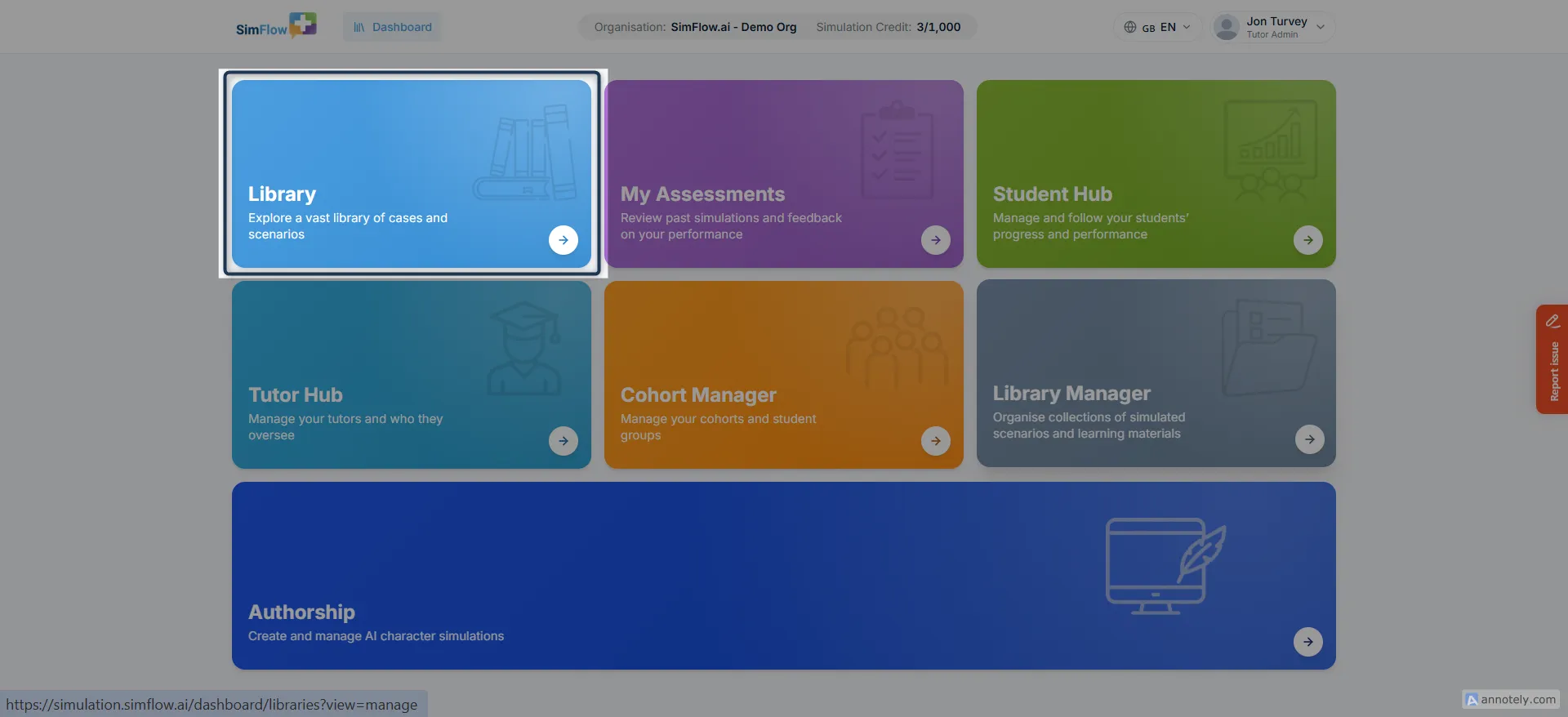
📋 My Assessments
Want to check how a simulation went? My Assessments brings your own completed simulations and assessment feedback together in one place. Revisit a past result, review the detailed feedback, and reflect on your performance whenever you need to.
Learn more: View Your AssessmentsView Your Assessments
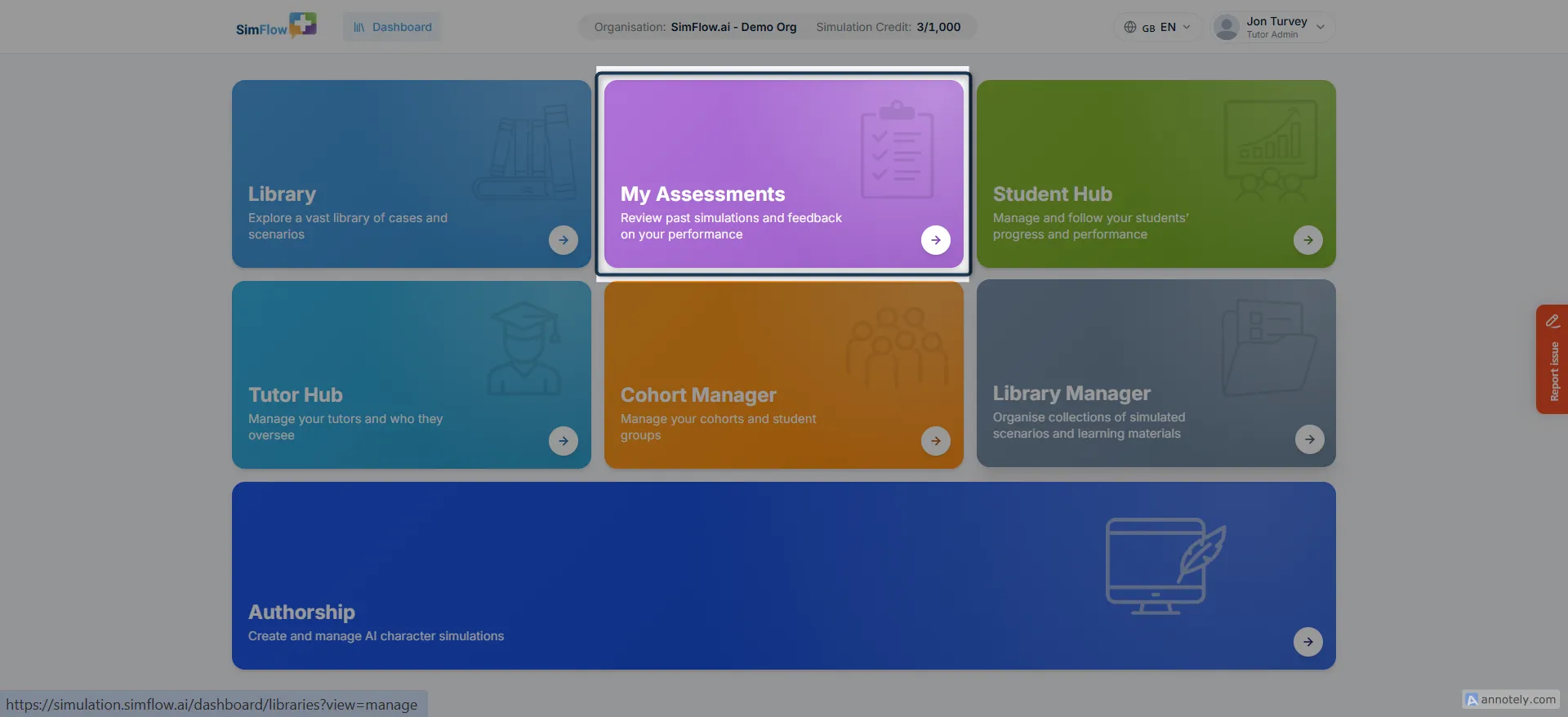
👥 Student Hub
Keep your students' learning journey organized in the Student Hub. Add and manage students, track their progress and performance, and review their completed assessments from one place.
Learn more: Add StudentsAdd Students
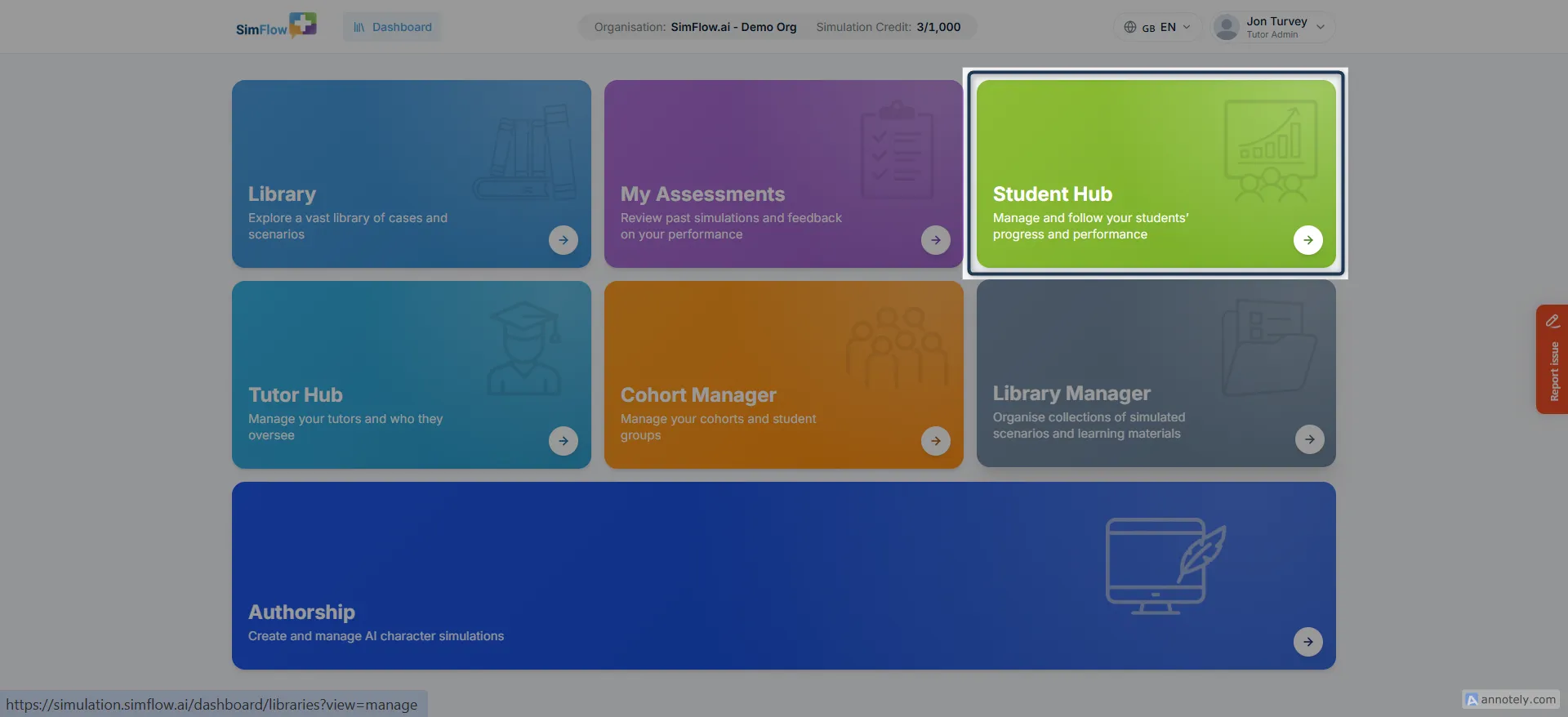
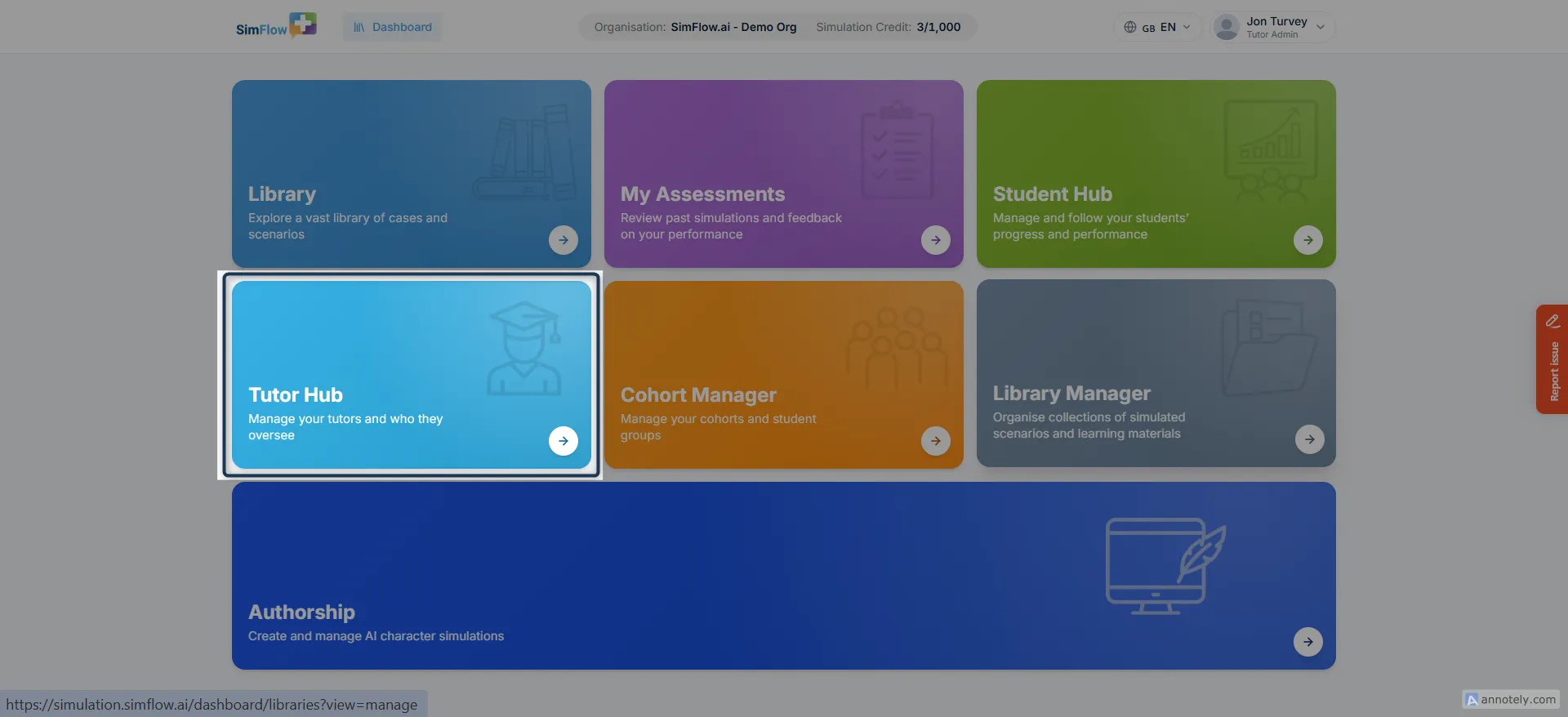
👨🏫 Tutor Hub
Every organisation needs someone keeping an eye on who's overseeing what. Tutor Hub is where that happens. Add Tutor Admins and Tutors, decide who oversees which learners, and manage their access when responsibilities change or someone leaves.
Note: Tutor Hub is only available to Tutor Admins. Tutors won’t see this section in their navigation. Dashboard options vary by role and permissions. For more information, see Tutor Admins & TutorsTutor Admin vs Tutors.
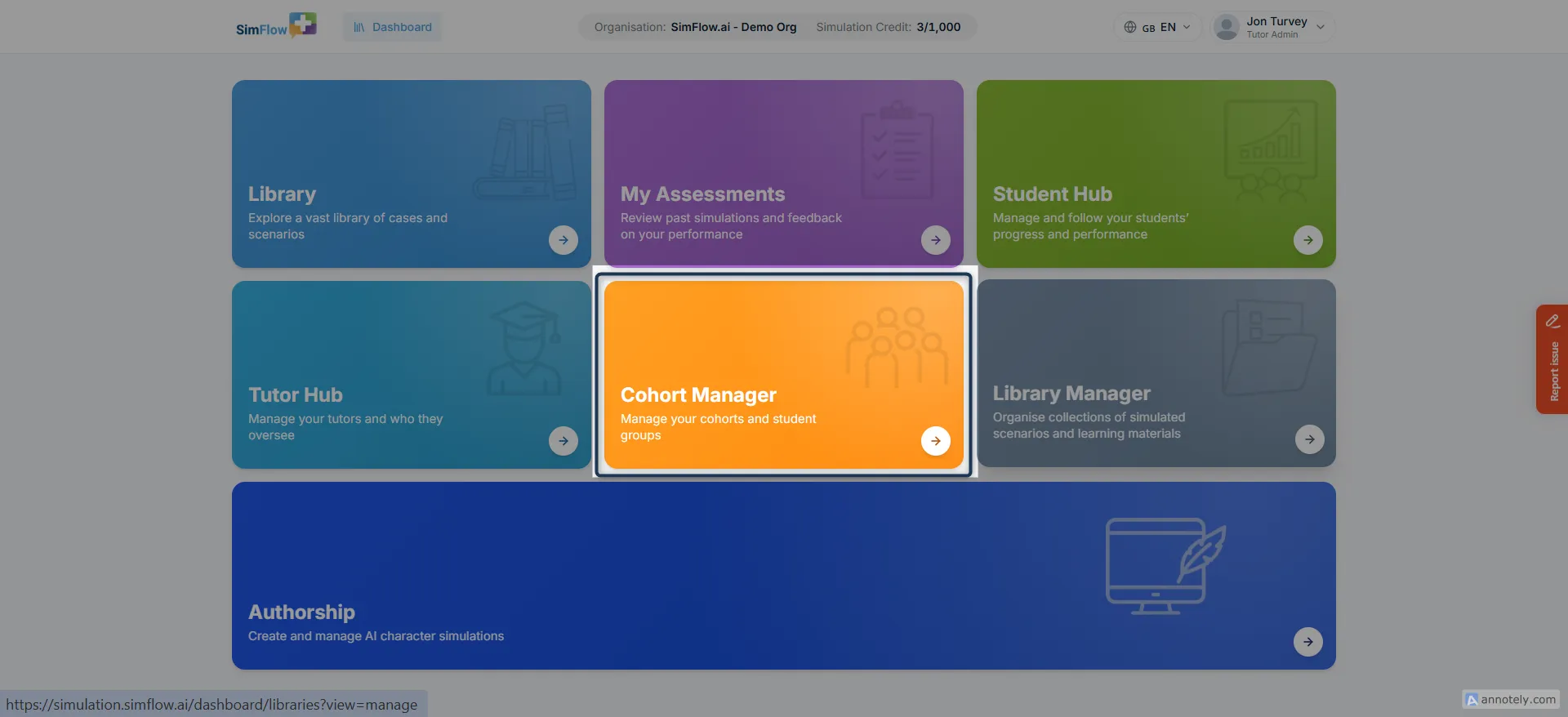
👥 Cohort Manager
Organize learners into groups and keep their assignments structured with Cohort Manager. Create and manage cohorts, assign students to the appropriate groups, and manage the learners within each cohort.
Learn more: Create a Cohort Create a Cohort
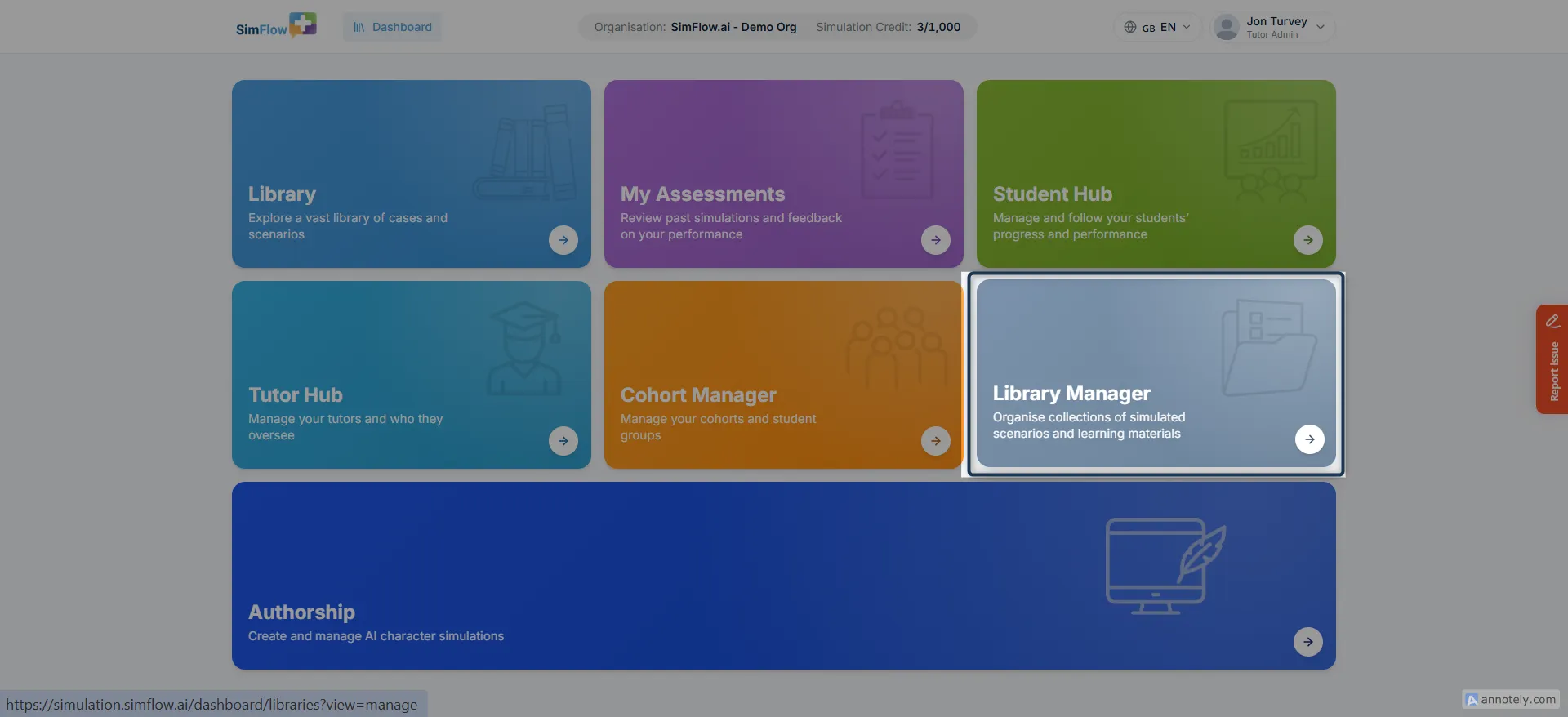
📚 Library Manager
Not every student needs access to your entire simulation catalogue - a Year 1 nursing cohort probably doesn't need the same library as a Year 2 medical group.
Library Manager is where you build the smaller, focused collections that actually fit each group, instead of handing everyone the same overwhelming list. Create a library, add the simulations that belong in it, and keep its contents up to date as your programme changes.
Learn more: Create a Custom LibraryCreate a Custom Library
✍️ Authorship
If none of the existing scenarios fit your needs, Authorship is where you can build your own. Design a Character from scratch, including their identity, voice, and behaviour, then set the assessment criteria used to evaluate their performance. It's the same tool behind the simulations in the Library, giving you the flexibility to create your own.
Learn more: Authorship OverviewAuthorship Overview