Simulation Credits
Simulation Credits determine how many simulations students can complete. Understanding how credits work helps you track available usage, know when a credit is deducted, and manage limits for cohorts.
Info: Some organisations, once they reach a certain account threshold, may acquire per-user access instead of a shared credit pool. If this applies to your organisation, you won't see the Simulation Credit counter - each user has unlimited usage within the remits of SimFlow's Fair Usage Policy.
What is a Simulation Credit?
A Simulation Credit is a unit of usage that allows a student to complete a simulated conversation with an AI Character. One credit covers one completed simulation, whether it's a RealTime, SimVoice, or SimCall simulation.
Where to View Your Credits
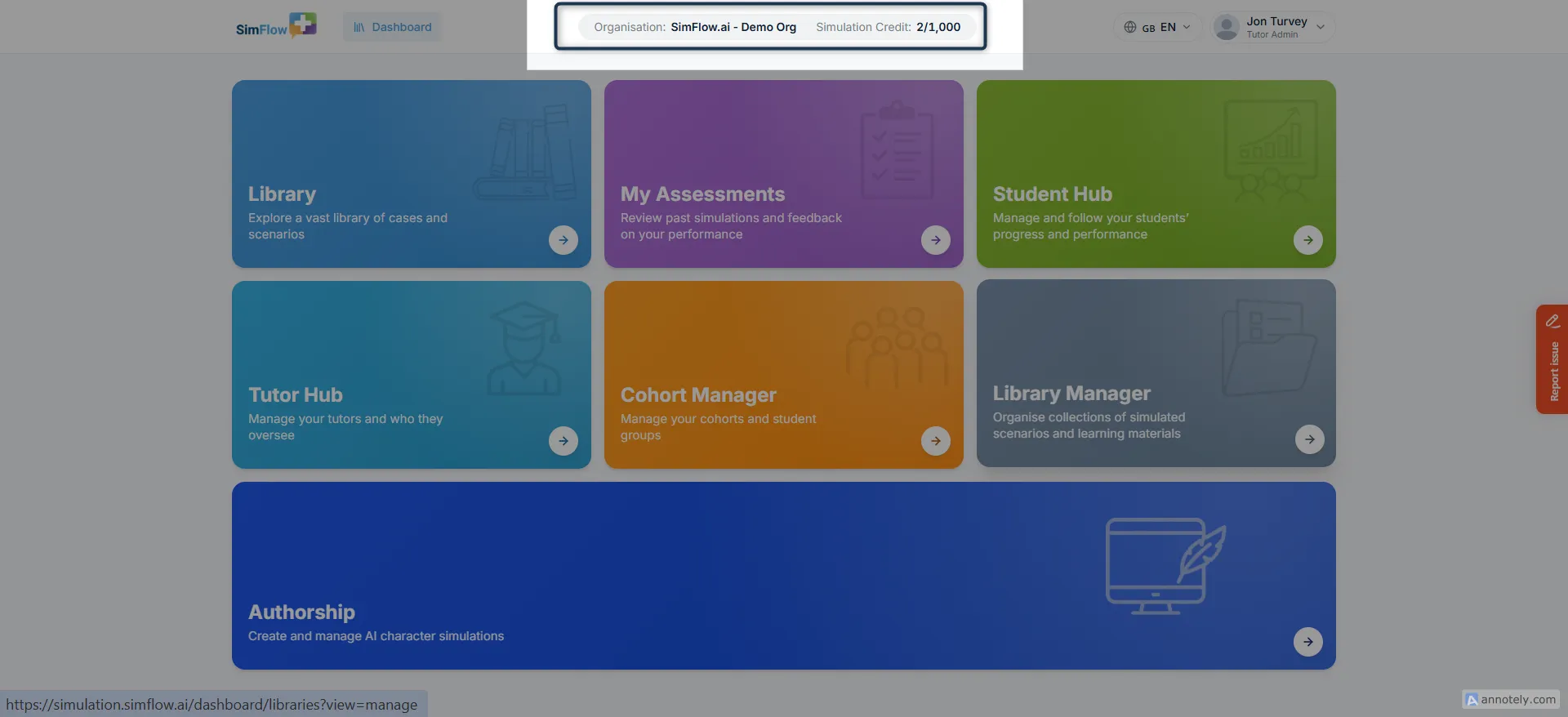
Your available credits appear at the top of the page. You can see this counter from your dashboard and most other screens across SimFlow.
The counter shown depends on your role:
Tutors and Tutor Admins see the organisation's total credit usage, shown next to the organisation name - for example: Organisation: SimFlow - Demo Org Simulation Credit: 2/1,000
Students see the credit usage for their currently selected cohort, shown next to a Cohort dropdown if they belong to more than one - for example:
Simulation Credit: 1/15 , Cohort: Year 2 Medical Library
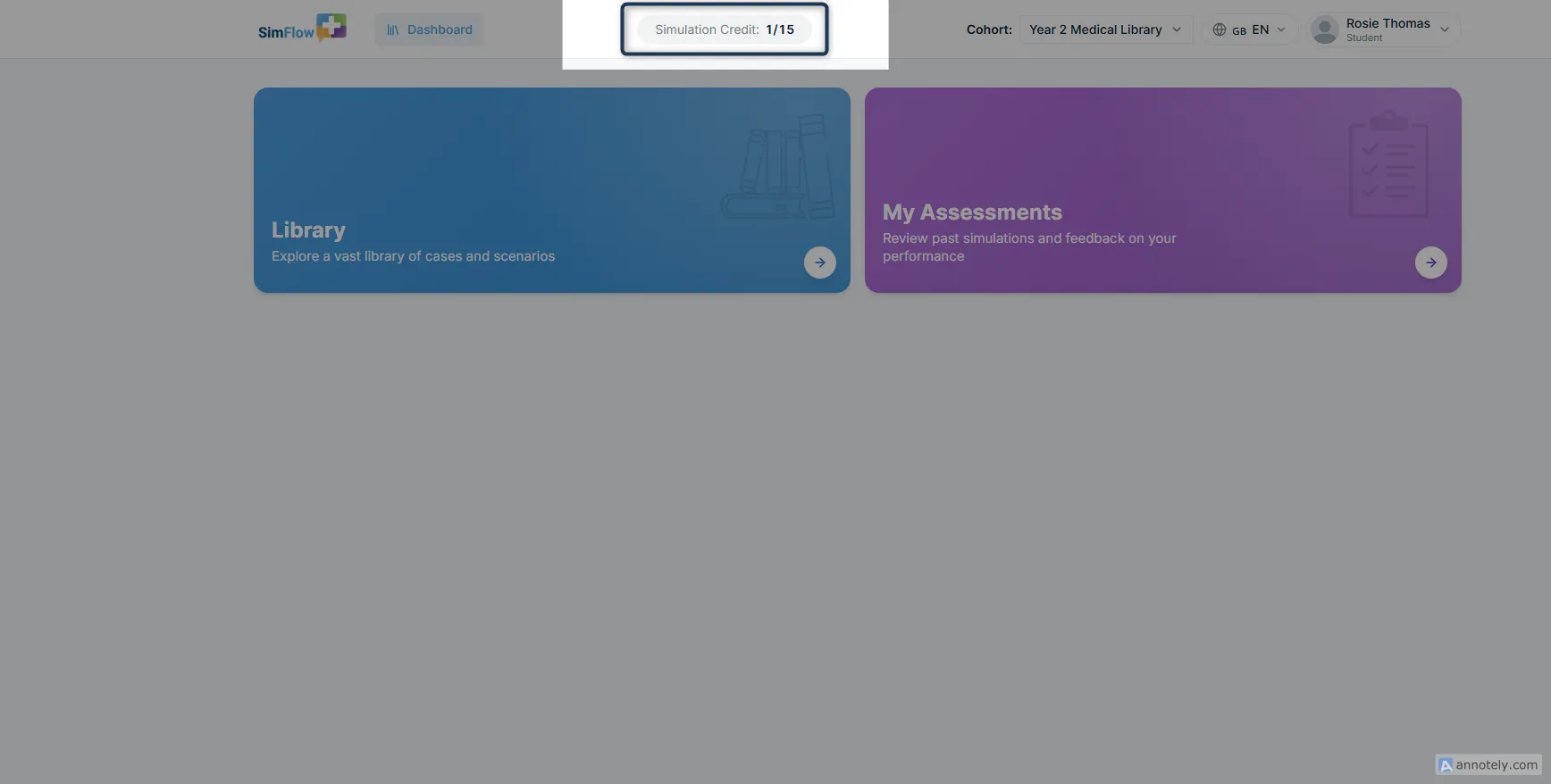
In both cases, the counter shows how many credits have been used against the total available.
When Is a Credit Deducted?
A credit is deducted when a student submits a completed simulation, not when they start it.
For example:
- Student starts a simulation → No credit deducted
- Student completes and submits it → 1 credit deducted
- Student leaves without submitting → No credit deducted
This means students can start a simulation without using a credit immediately.
What Happens When Credits Run Out?
Once your organisation has used its available Simulation Credits, students won't be able to complete additional simulations unless more credits are made available.
If you manage cohorts, you can also set limits to control how many simulations a cohort can use.
Set Credit Limits for Cohorts
Tutors and Tutor Admins can set a Simulation Credit limit when creating a cohort. This allows you to control how many simulations the students in that cohort can run.
For example, if you give a cohort a limit of 100 credits, the cohort can use those credits across its students until the allocated limit is reached.
See Create a CohortCreate a Cohort for instructions on setting a credit limit.
Unlimited Per-User Access
Some organisations, once they reach a certain account threshold, may acquire per-user access instead of a shared credit pool. If this applies to your organisation, each user can run unlimited simulations within SimFlow's Fair Usage Policy.
When unlimited per-user access applies:
- You won't see the Simulation Credit counter
- Users aren't limited by a shared credit balance
- Usage is still subject to the Fair Usage Policy