Configure Internal Character Details
Once you have added the required supporting resourcesrequired supporting resources, the next step is to define the Internal Character Details. This section provides the AI character with the information it needs to behave consistently and appropriately throughout the simulation.
The information entered here is not visible to learners. Instead, it acts as internal guidance for the AI character, helping it understand the character’s presentation, background, personality, medical history, behavioural expectations, and other relevant details.
Let’s get started 🚀
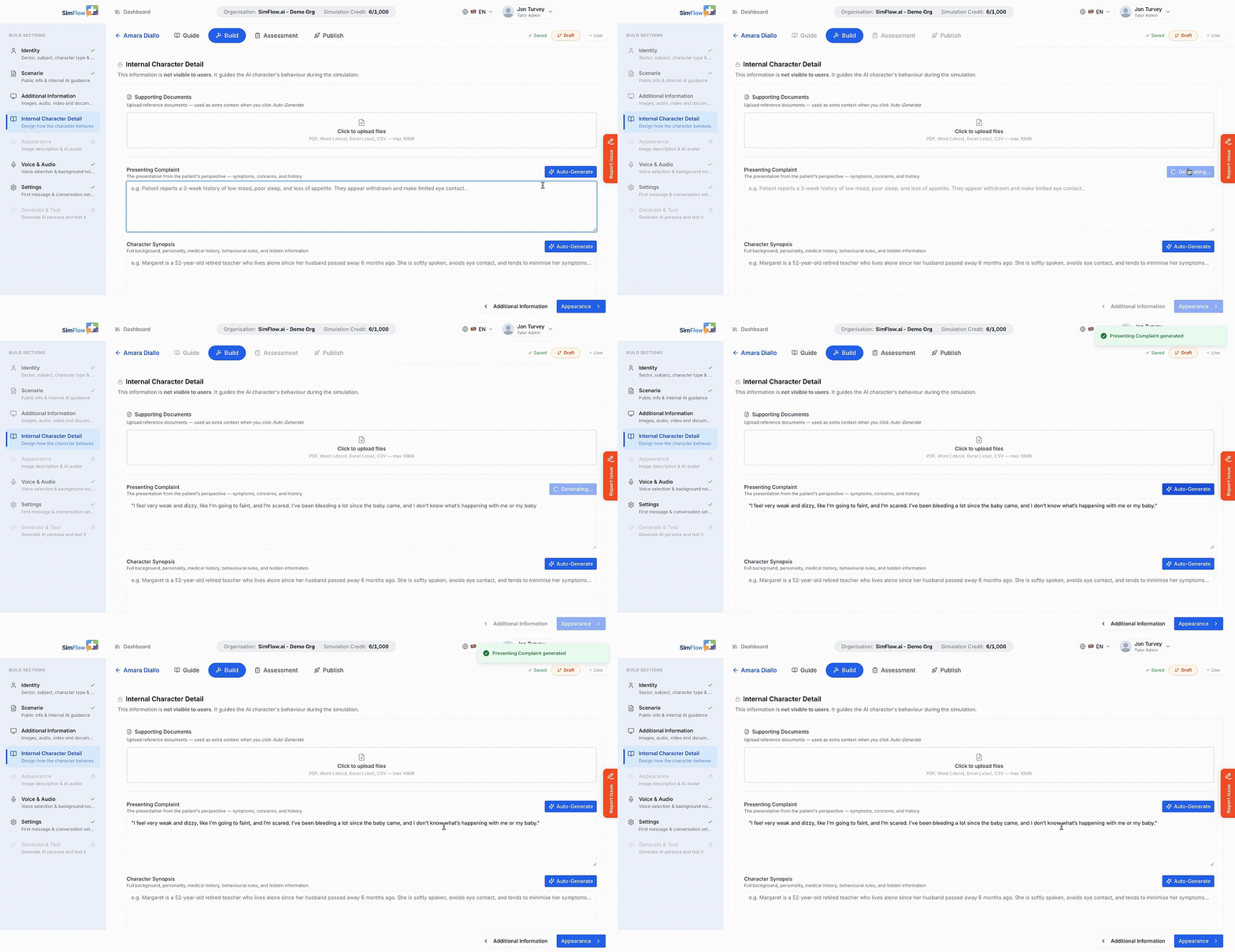
Use the below walkthrough to design how the character behaves:
You can also use Auto-Generate buttons to let SimFlow create content based on the information already configured in the simulation.
Next Steps
After completing the Internal Character Detail section, continue to AppearanceAppearance to configure the character’s image description and AI avatar.