Assign Simulation to Library and Review Version History
Once the pre-reading and filter tagspre-reading and filter tags are configured, the simulation is ready to be organised for publication. You can choose the organisation library where the simulation will be published or create a new library when needed and review the version history to view the record of simulation published versions and review activity.
Note: At least one library must be assigned before you can publish the simulation.
Let’s get started 🚀
Library Assignment
The Library Assignment section determines where the simulation will be published within your organisation. You can assign the simulation to one or more existing libraries, or create a new custom library and set its simulation timer.
Use the walkthrough below to assign the simulation to a library:
Review Version History
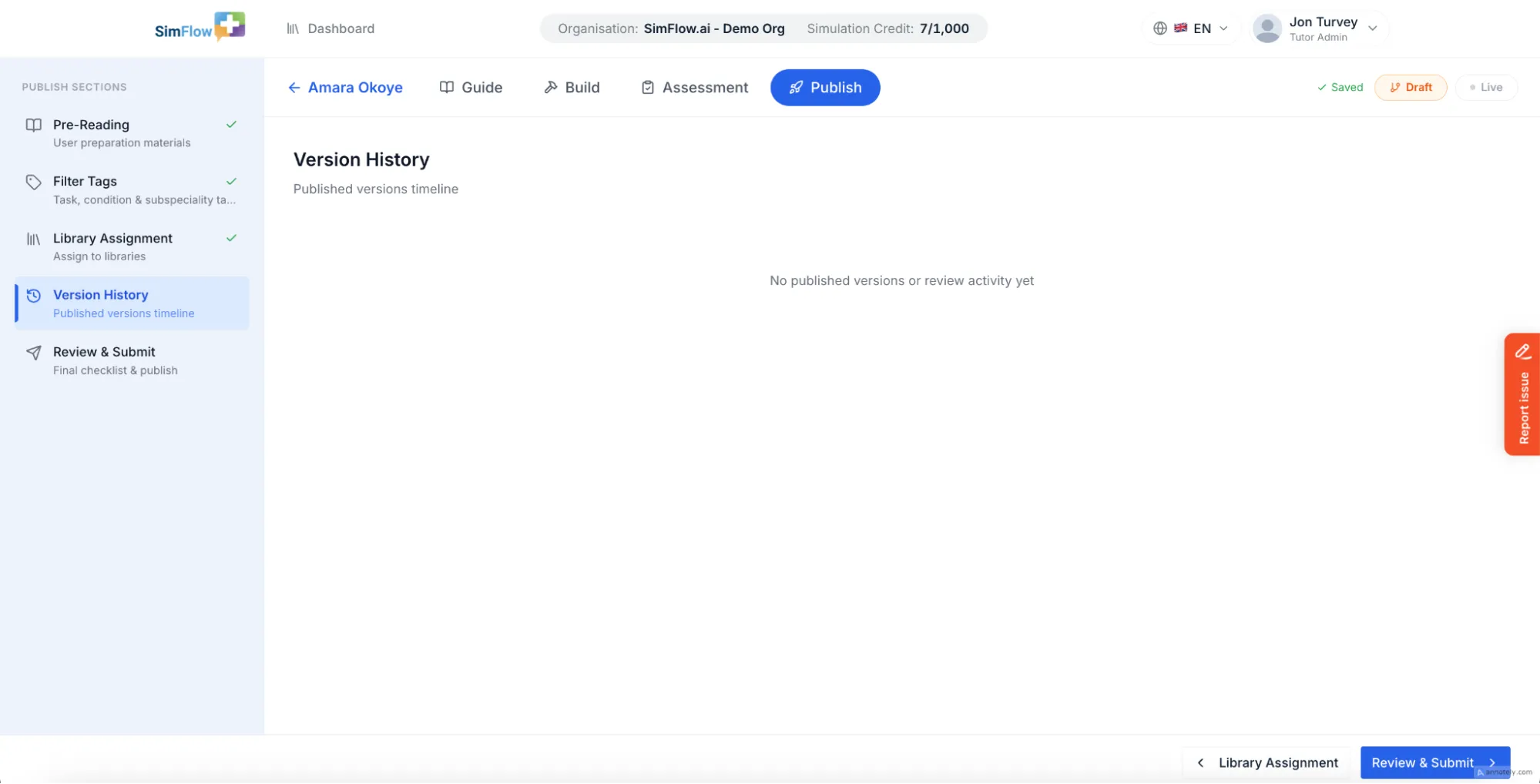
After assigning the simulation, Version History provides a record of published versions and review activity, helping you check the simulation's publishing history before moving to the final review. For a simulation being published for the first time, there will be no version history available yet. You can check this section for version history in future updates.
Note: Version history is populated after the simulation has been published and subsequent versions or review activity are recorded.
Next Steps
After assigning the simulation to a library and reviewing its version history, continue to Review and Publish SimulationReview and Publish Simulation to complete the final checklist and publish the simulation.