Simulation Modes
After you have started the simulationstarted the simulation and completed the Pre-Reading and Pre-Brief, you can choose how they want to interact with the AI character.
SimFlow provides three simulation modes, allowing you to practise scenarios in different conversation formats: RealTime, SimCall, and SimVoice. Each mode provides a different way to interact with the AI character, helping you to select the format that best matches the intended practice.
After selecting Begin Simulation, the Select Simulation Mode window appears. Review the available options and choose the desired mode before starting the simulation.
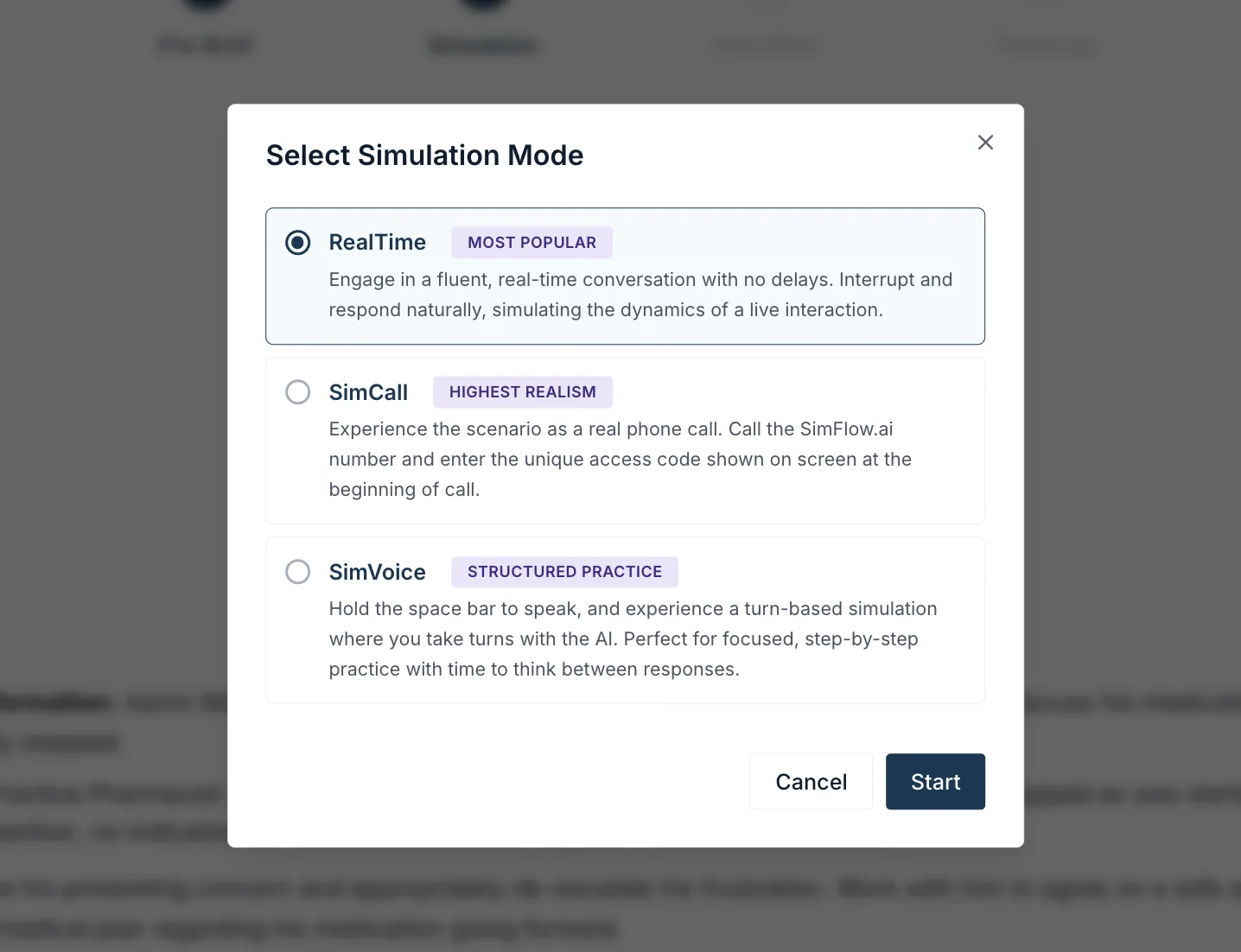
RealTime
RealTime simulation mode provides the most natural conversational experience within the platform. You can speak freely and respond to the AI character as the conversation develops, without waiting for a turn to finish.
RealTime is particularly useful for practising realistic communication, spontaneous dialogue, and situations where you need to respond naturally under time pressure.
For more information on how to perform a RealTime simulation, refer to Perform RealTime SimulationPerform RealTime Simulation.
SimCall
SimCall simulation mode allows you to experience the scenario as a real phone call rather than an on-screen conversation.
This mode is designed to recreate the experience of handling a conversation over the telephone, including communicating without visual cues from the other person.
For more information on how to perform a SimCall simulation, refer to Perform SimCall SimulationPerform SimCall Simulation.
SimVoice
SimVoice provides a more structured, turn-based approach to the simulation. Here, you take turns speaking with the AI character rather than having a continuous real-time conversation.
This format gives you more time to consider their responses and work through the conversation step by step.
SimVoice is particularly useful for:
- Beginners who are becoming familiar with simulations.
- Practising specific communication skills.
- Step-by-step scenario practice.
- Learners who benefit from having time to think before responding.
- Focused practice without the pressure of a continuous conversation.
For more information on how to perform a SimVoice simulation, refer to Perform SimVoice SimulationPerform SimVoice Simulation.
Note: Once your chosen mode starts, the simulation timer begins.